
Tutorial
How to Install GEO-PULSE
How to Use the Quest App
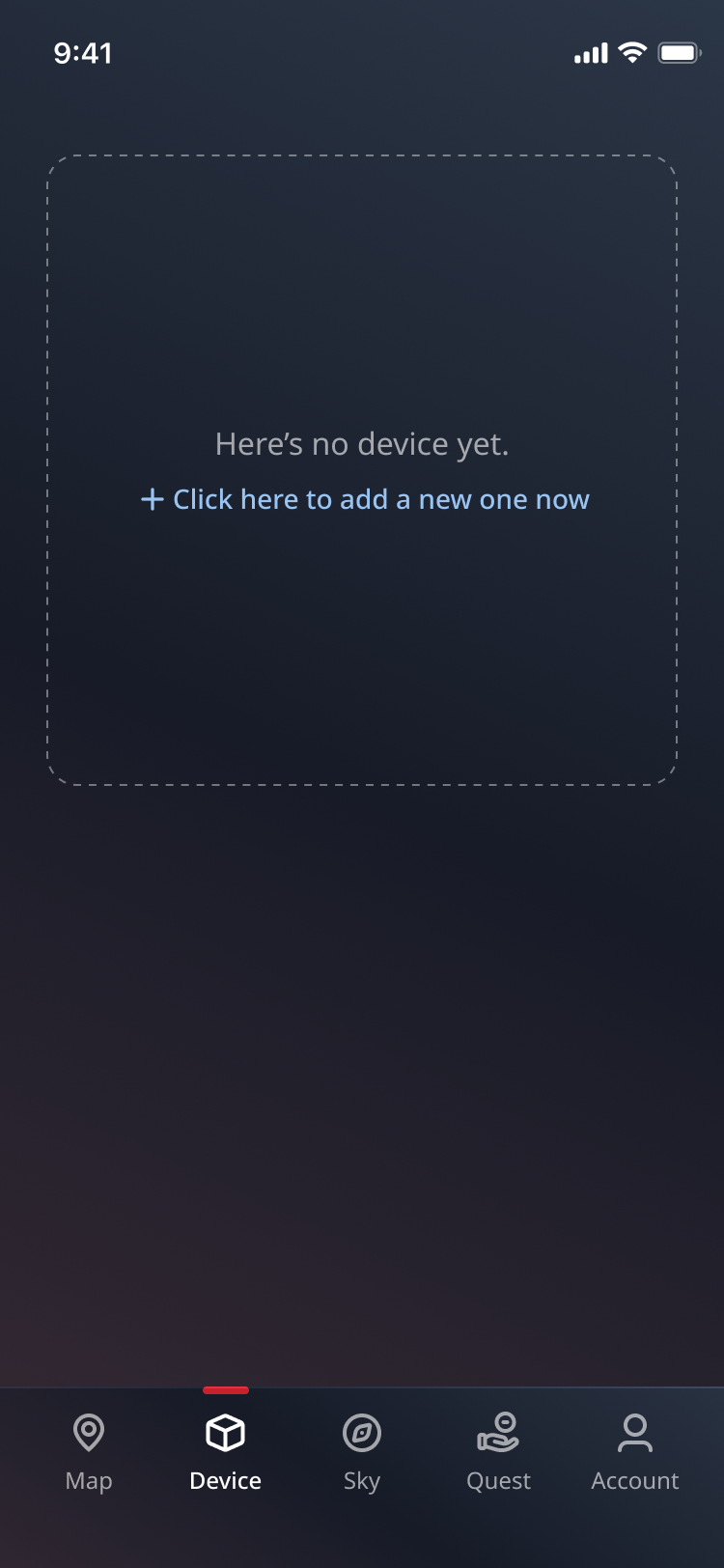
Device Connection
On the Device page, press "+" to connect your GEO-PULSE to your mobile phone via Bluetooth.
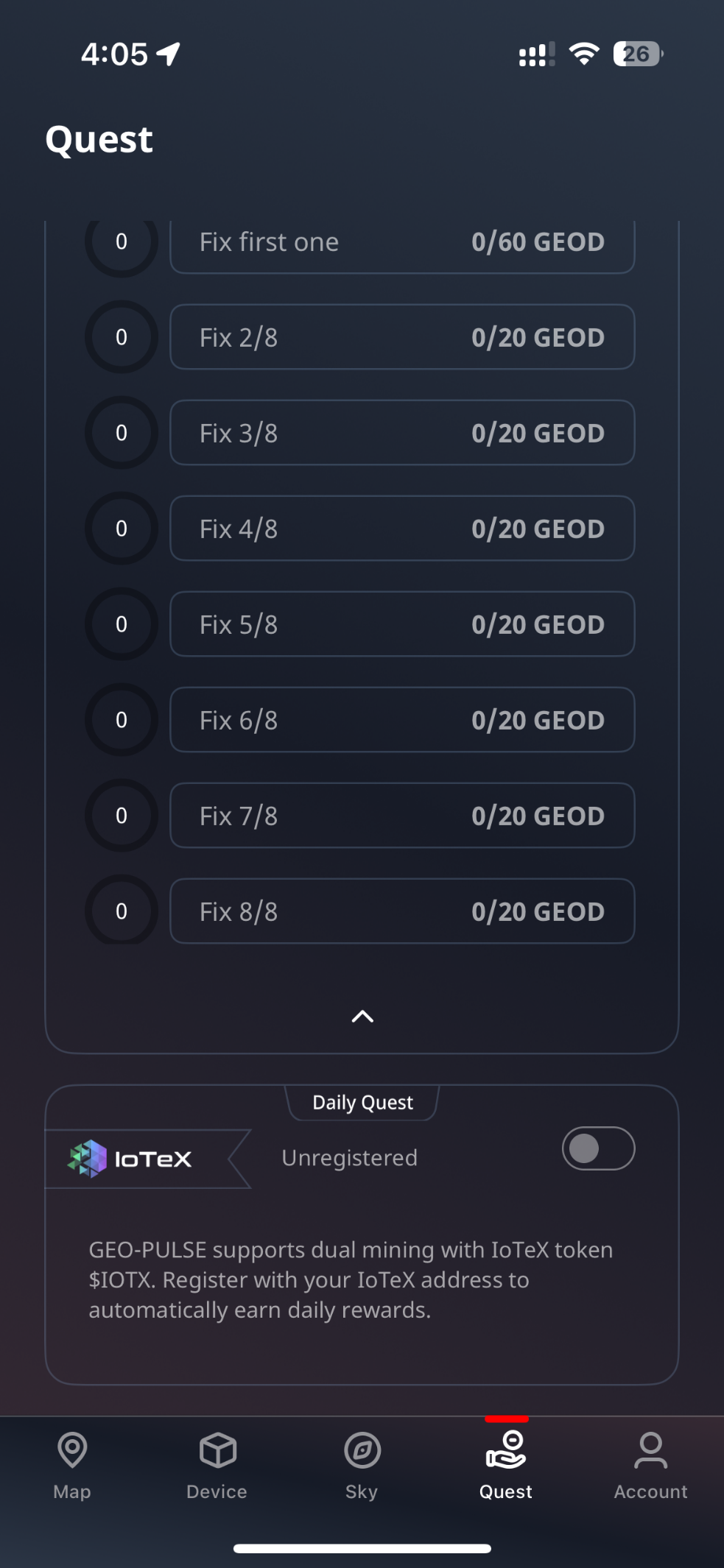
Quests Setup
Navigate to the Quest page, complete one-time tasks and daily tasks to earn GEOD.
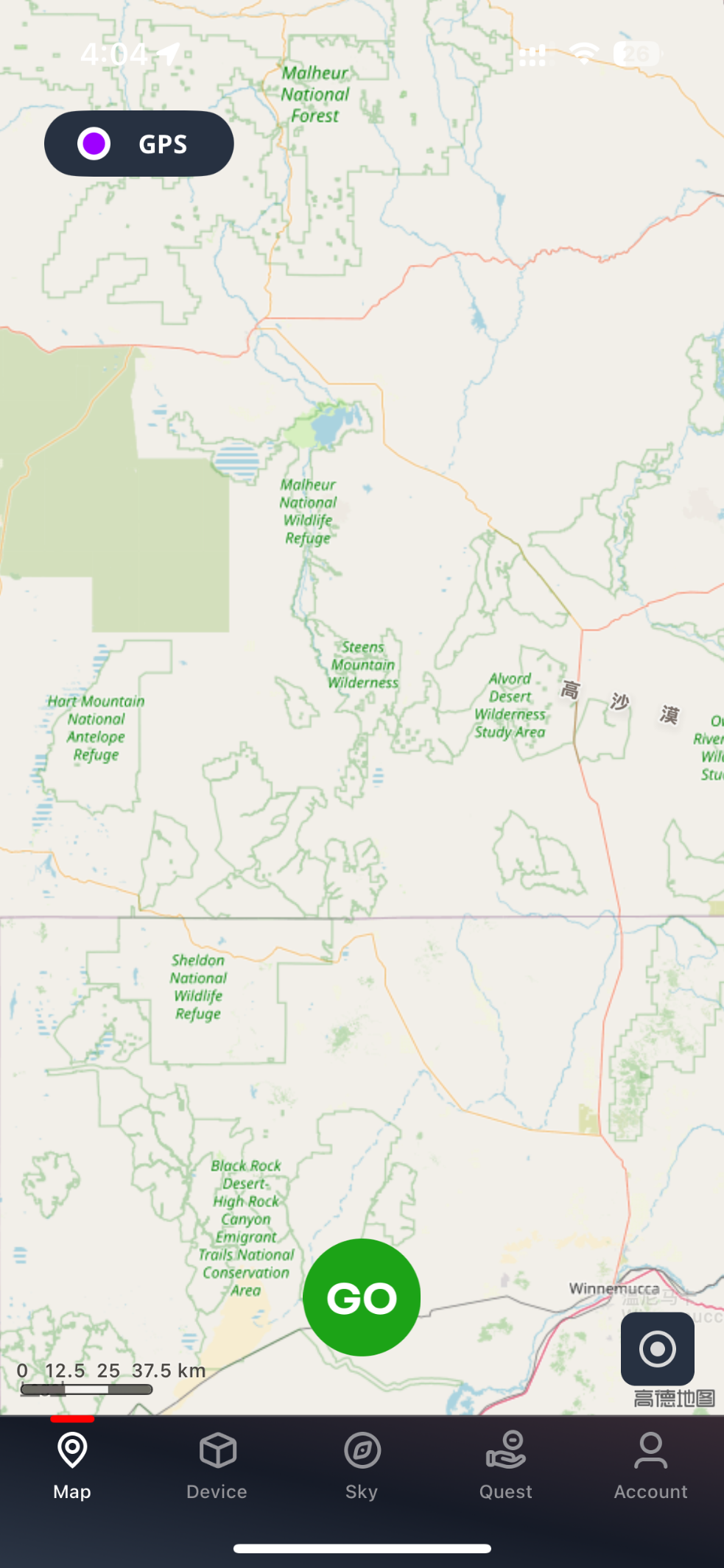
Start Quests
On the Map page, press "GO" to begin quest tasks. Complete 10 moving points within a hexagon to claim all available tokens.
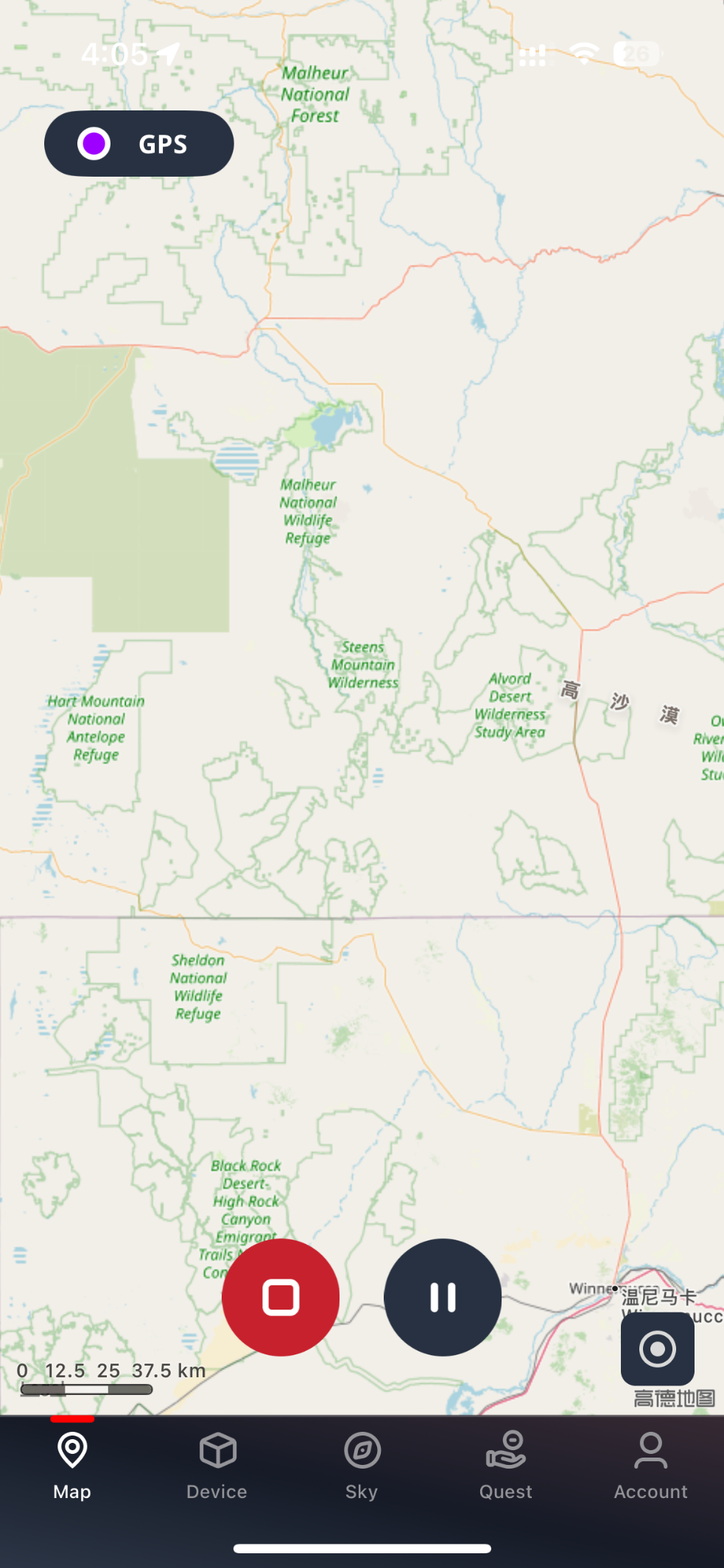
Task Management
Use the left button to end a task and the right button to pause it. The recenter button returns you to your current location on the map.
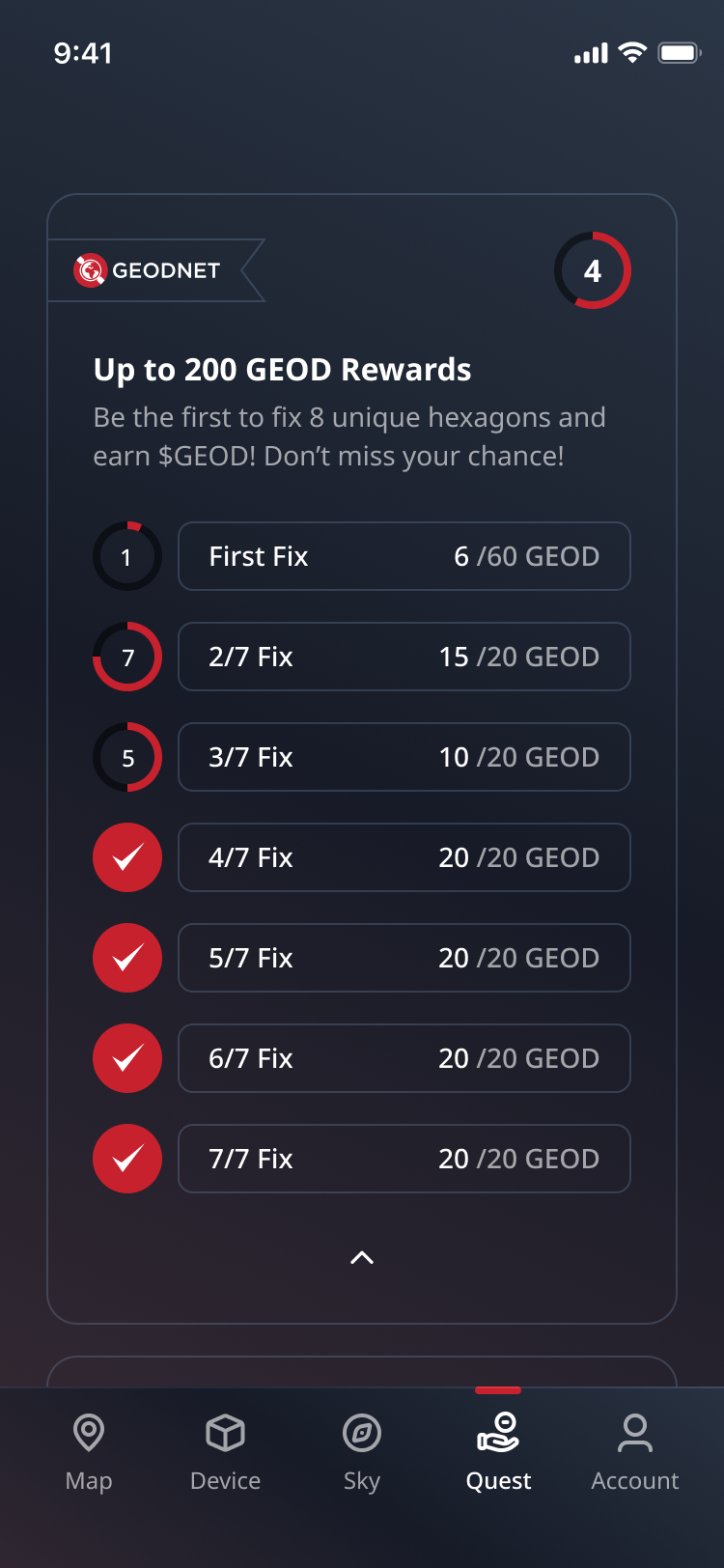
View Completed Quests
On the Quest page, clicking "Fix No." will take you back to the Map to view the Hexes where you have completed the quest tasks.
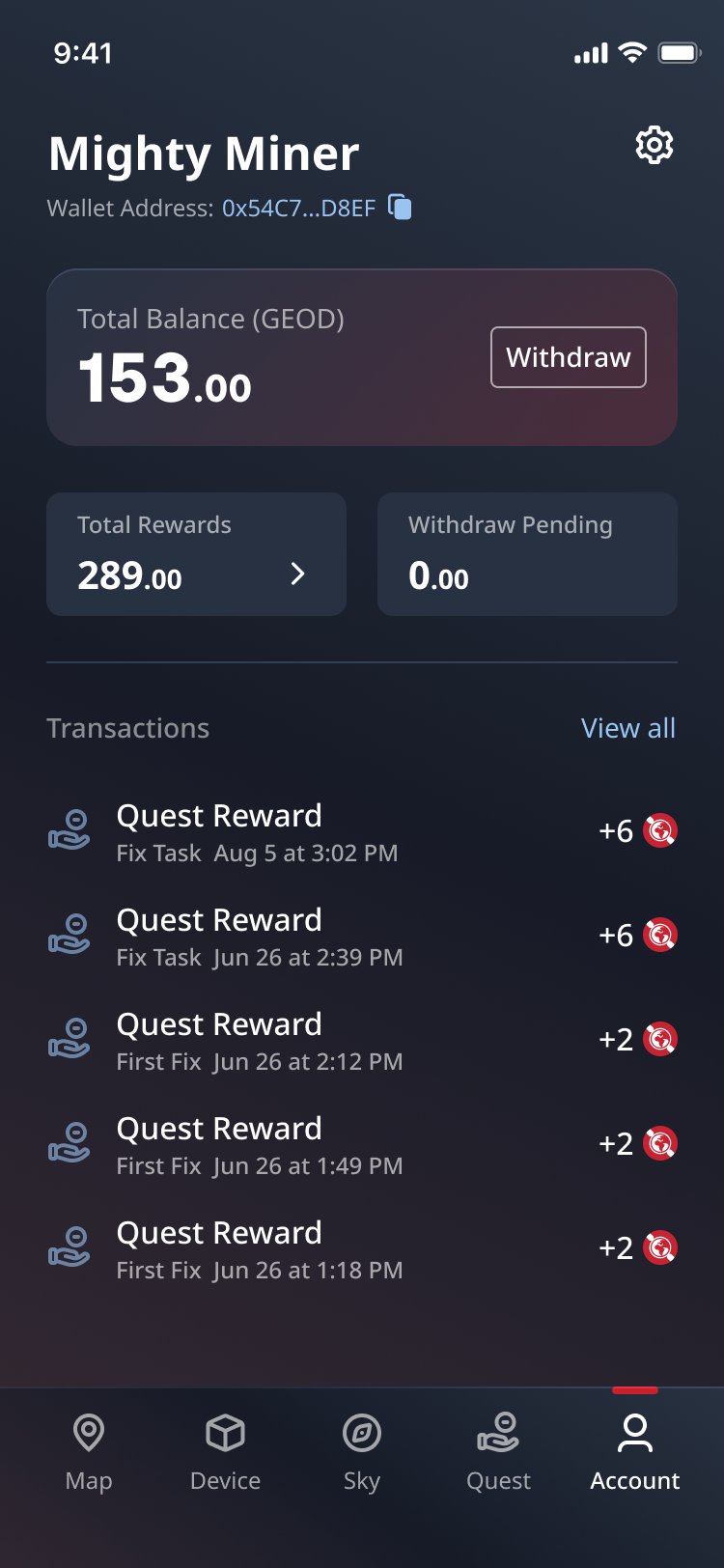
Token Withdrawal
Go to the Account page and press "Withdraw". Enter your Solana wallet address to receive GEOD token rewards.
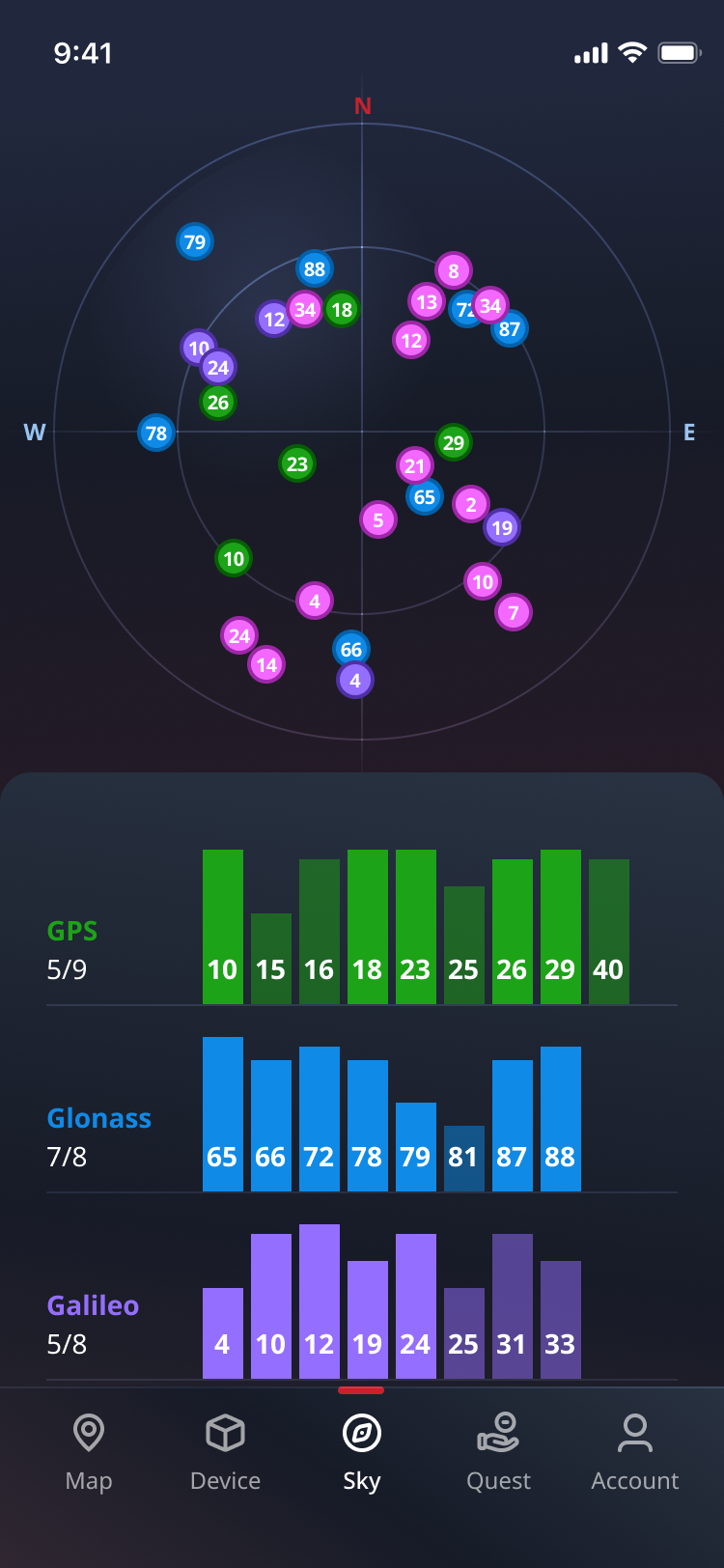
Satellite Overview
Check the Sky page for an overview of available satellites in your area.
The iOS version is available via App Store today.
 iOS Download
For Android phones, you can download via Google Play Store.
 Android Download
How to Set Up Wallet in the GEOPULSE Quest APP
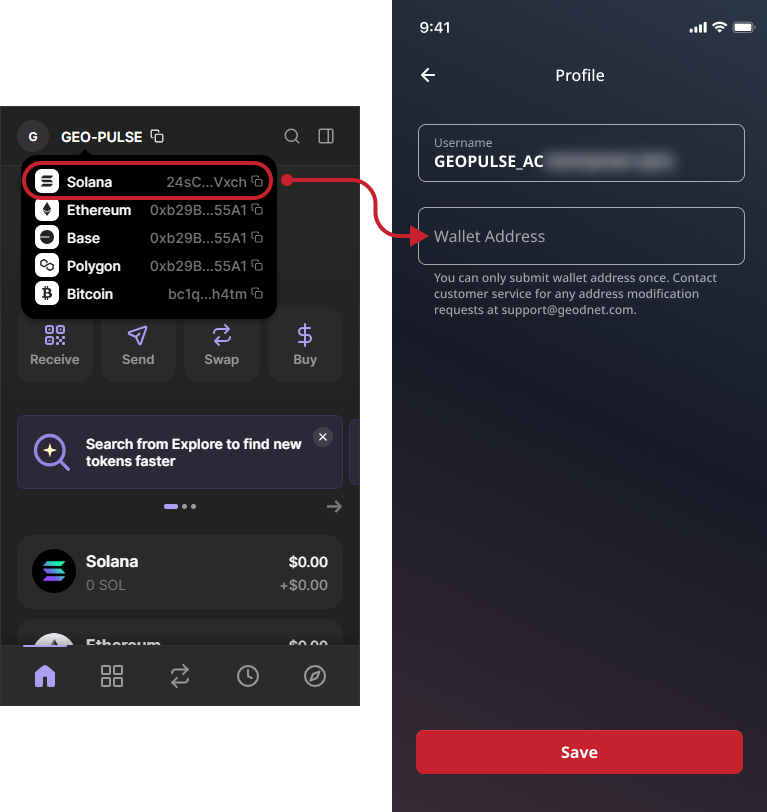
Set Up a Solana-Based Wallet for $GEOD Token Rewards
In your MetaMask or Phantom wallet account, select the Solana network. Copy the Solana address from your wallet account and paste it into the Wallet Address input field in the app.
If you don’t have a MetaMask or Phantom wallet, please download them from your app store. Please note that you should keep a copy of your recovery phrase (private keys) and never share it with anyone. If you need wallet support, please email support@geodnet.com or reach out to our official team members on Discord.
Hexplorer Quest
Hexplorer Quest
Quest

Have you completed your initial GEODNET Hex Fix Quest?

There are still unfixed hexes waiting for you in the Hexplorer Quest!

Learn how to complete the quest and earn extra $GEOD rewards!